Questions designers ask
Is there garden design software that is free to try and runs in a browser?
Yes, this one. BloomsEye Studio opens in any browser on a Mac, a PC, an iPad or a phone, with nothing to install and no account needed to start. Every drawing tool, the 3D view, Garden Check and both exports are free; a free garden holds up to 5 plants placed by hand, and a free account adds cloud saving, sharing and as many gardens as you like. Premium lifts the plant limit; Pro adds the client-facing paperwork.
Can I draw a landscape plan to scale and print it?
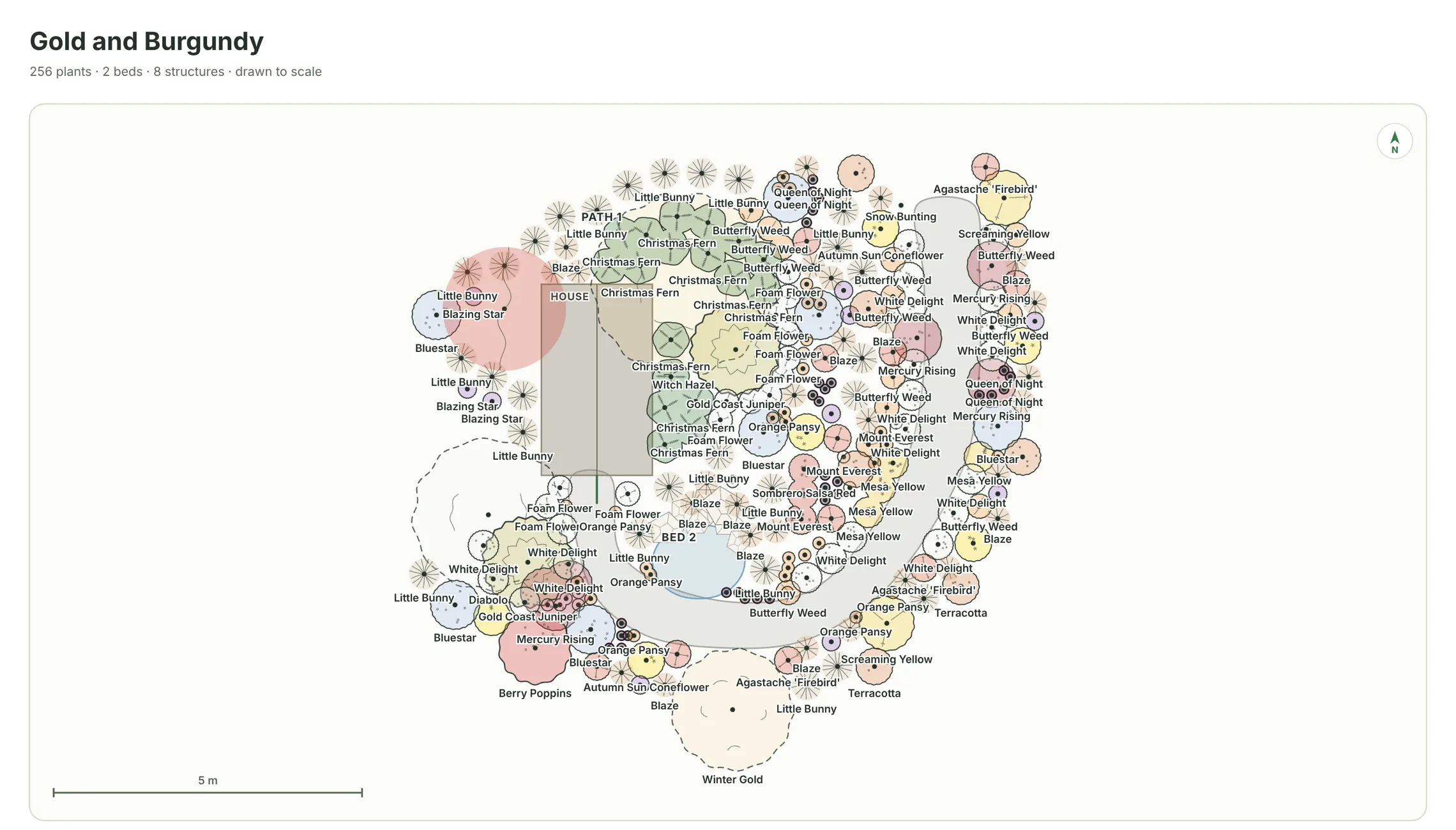
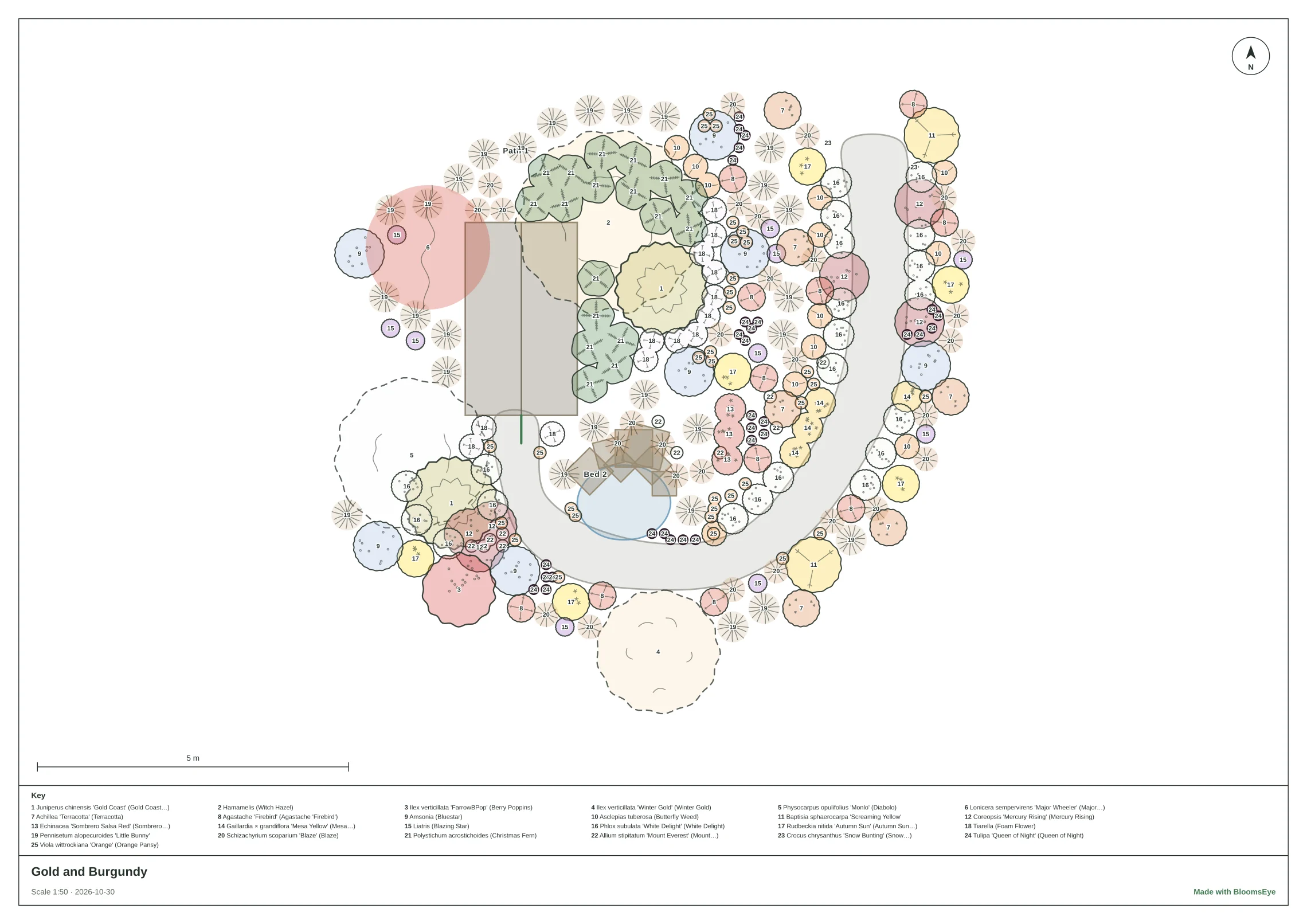
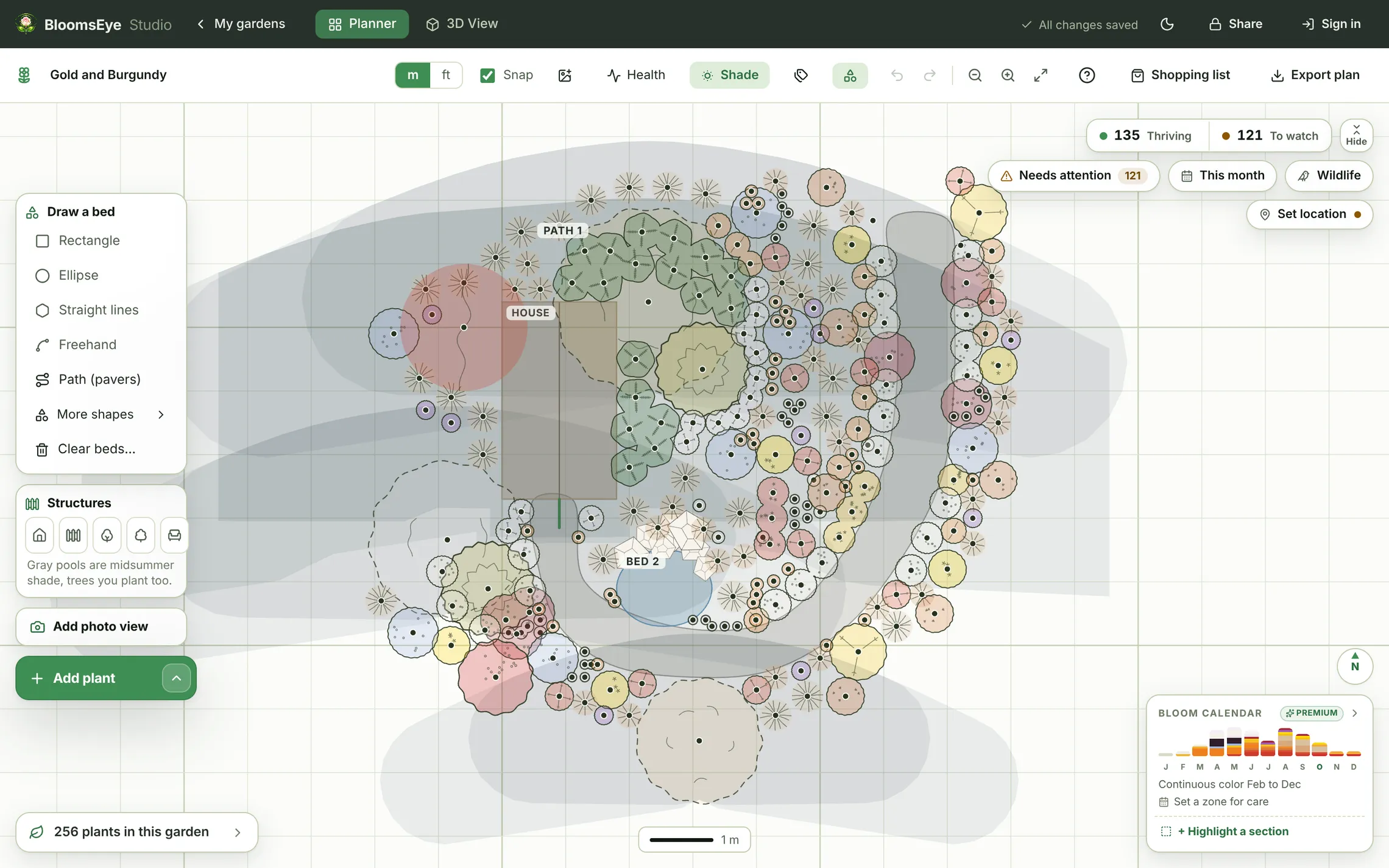
Yes. Beds, paths, lawn, buildings, fences and hedges are drawn to scale in feet or meters, every plant as a landscape plan symbol at its mature spread, and paving as its material at true size. The sheet export is dimension-true: A3 at 1:50, 1:100, 1:200 or 1:500, or Tabloid at a quarter, an eighth, a sixteenth or a thirty-second of an inch to the foot, with a title block, a scale bar, a north mark and every plant keyed to its botanical name. It is an SVG in physical millimeters, so it opens in Illustrator, Affinity, Inkscape or a CAD program at its printed size.
Does it show the garden in 3D and through the seasons?
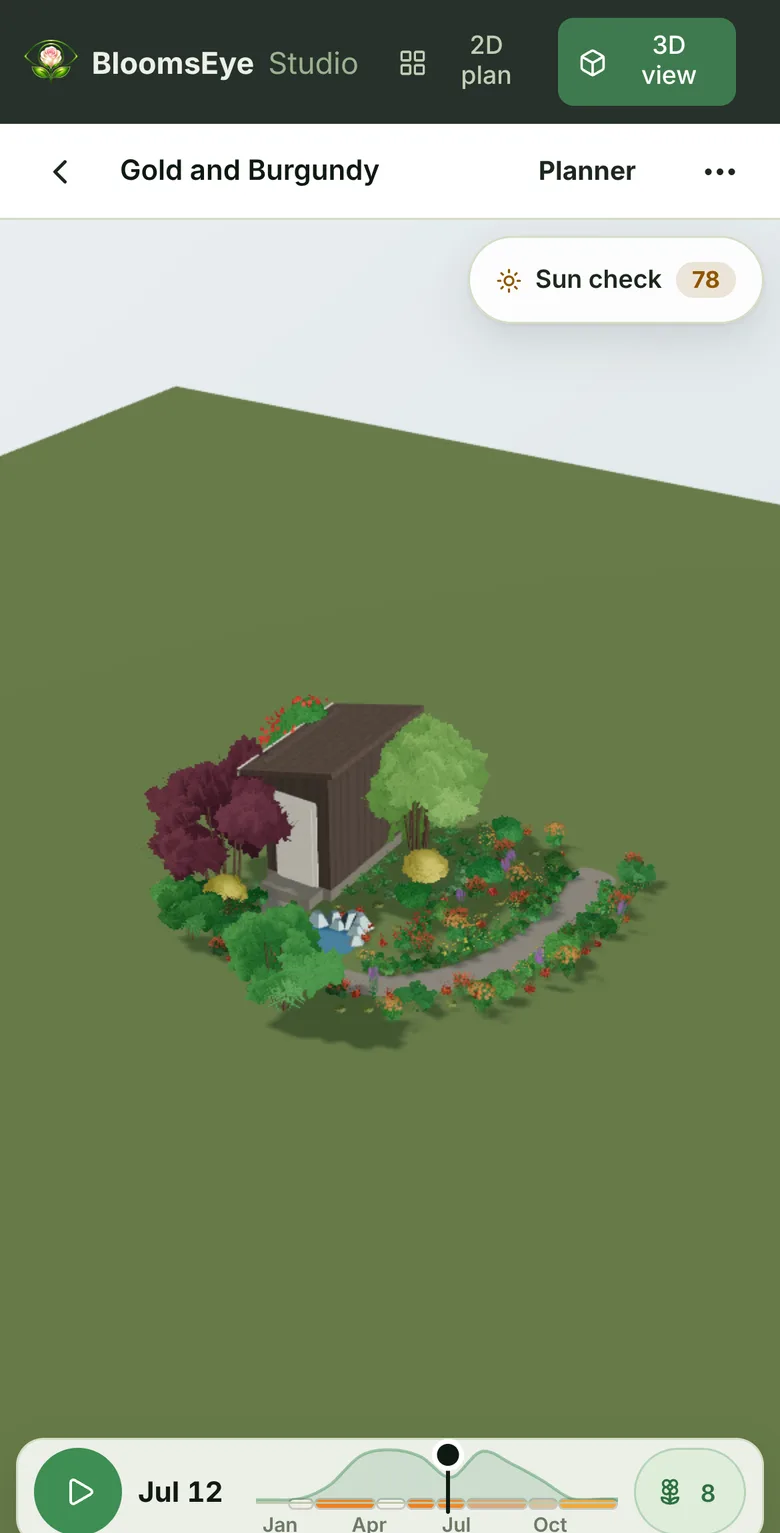
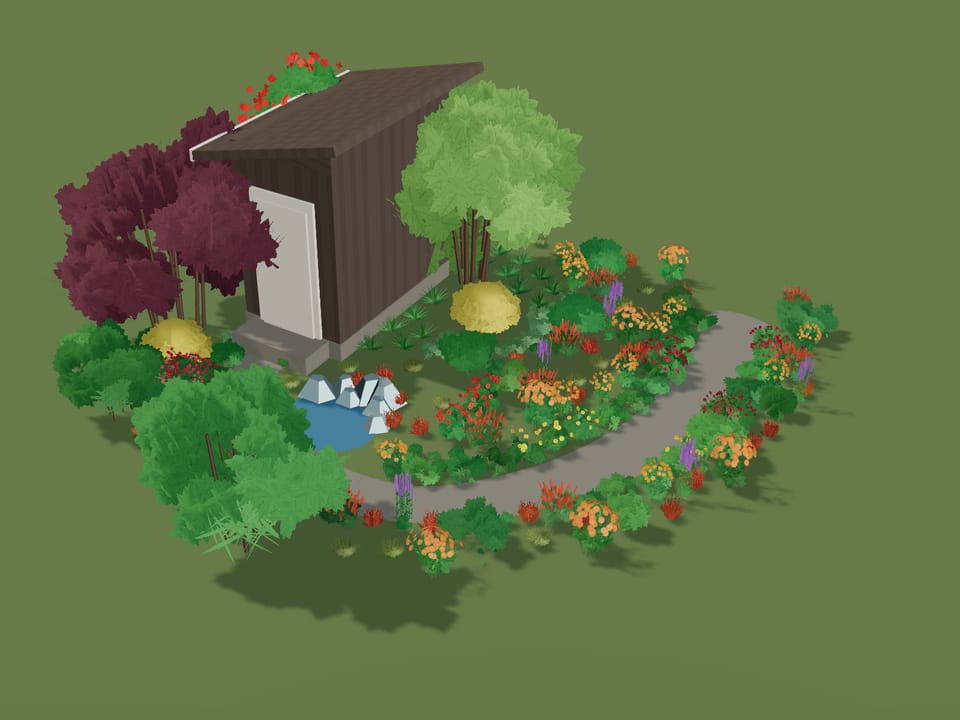
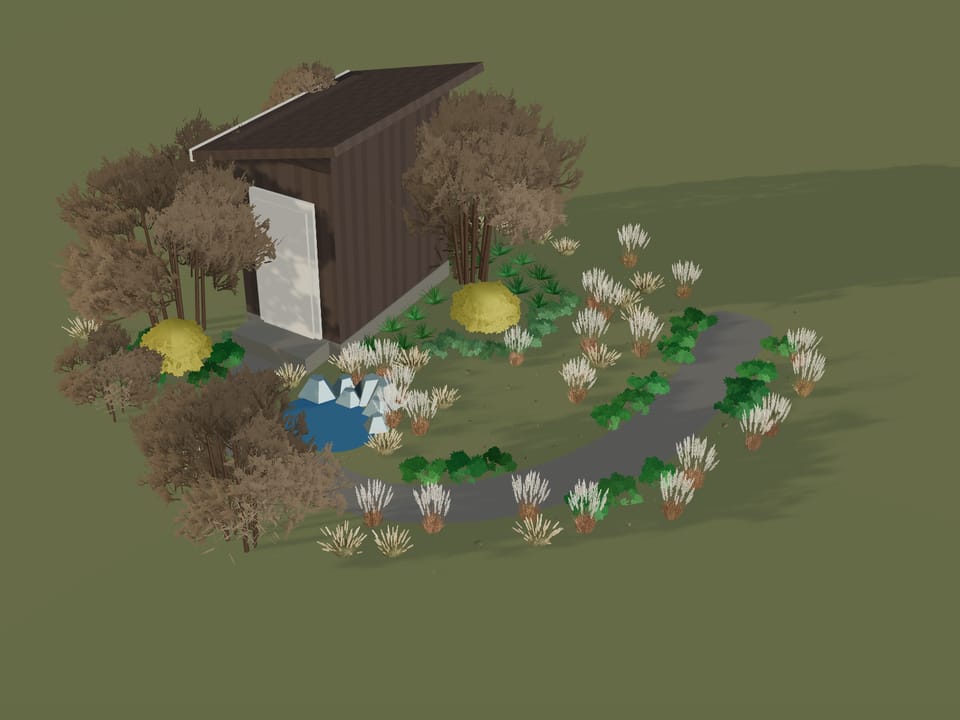
Yes. The plan and the 3D are one file. Pick any day of the year and the planting shows what is in flower, in leaf or bare that day; switch between fully grown and as it grows to see the first years fill in; set the time of day and watch the shadows move; or play the year. A read-only link opens the same 3D on any phone.
Can I make a planting plan with a plant schedule for a client?
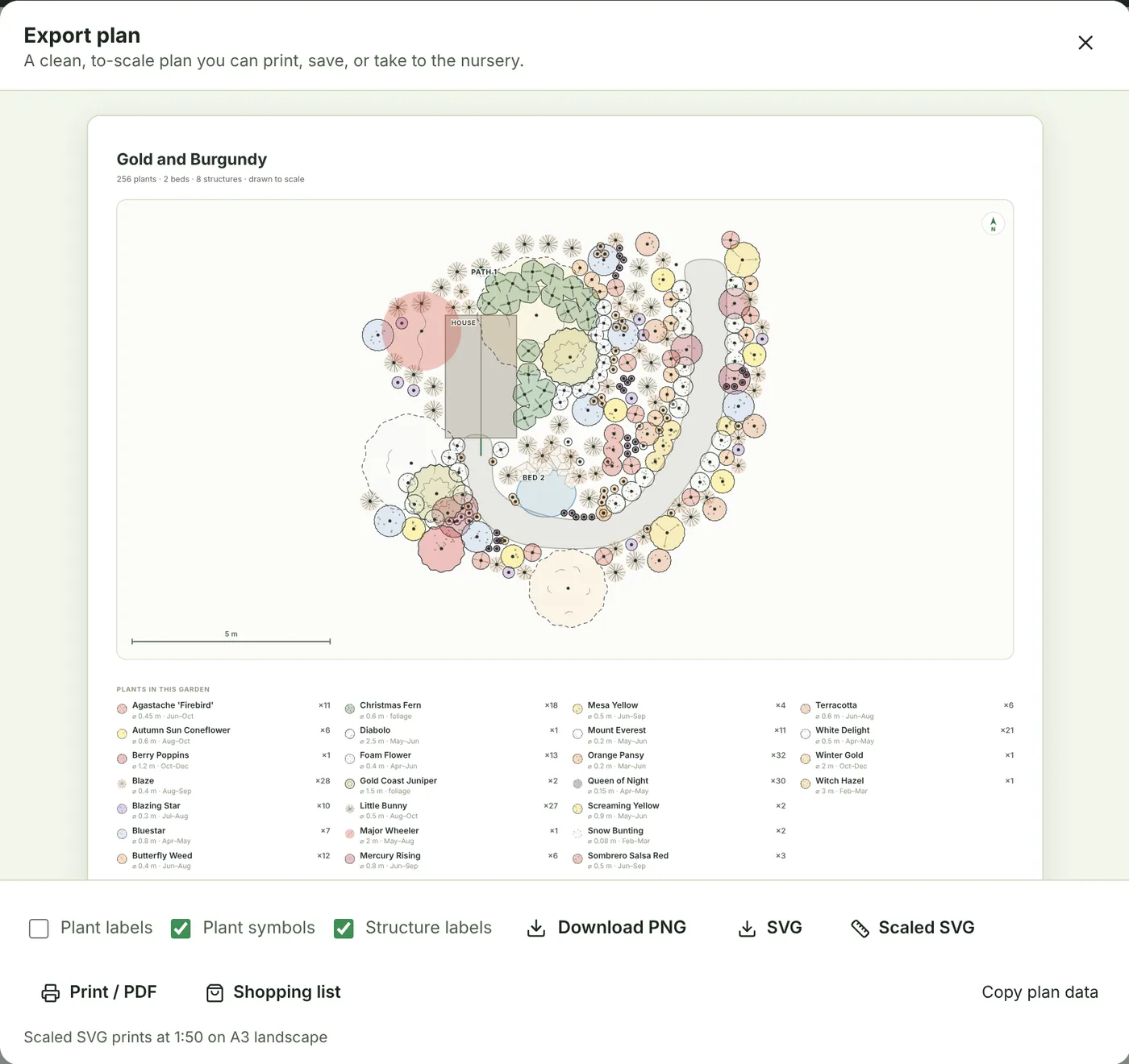
Yes. Every tier exports a poster with the plant schedule: each species with its count, mature spread and bloom window. Pro adds the client-facing version: a plant list with botanical names, quantities, sizes, spacing, sun and water that prints or downloads as a CSV, a Clients tab that keeps each client's gardens together, and client links that open in 3D signed with your studio's name and a link to your site.
Does it do hardscape: patios, paths, decks and fences?
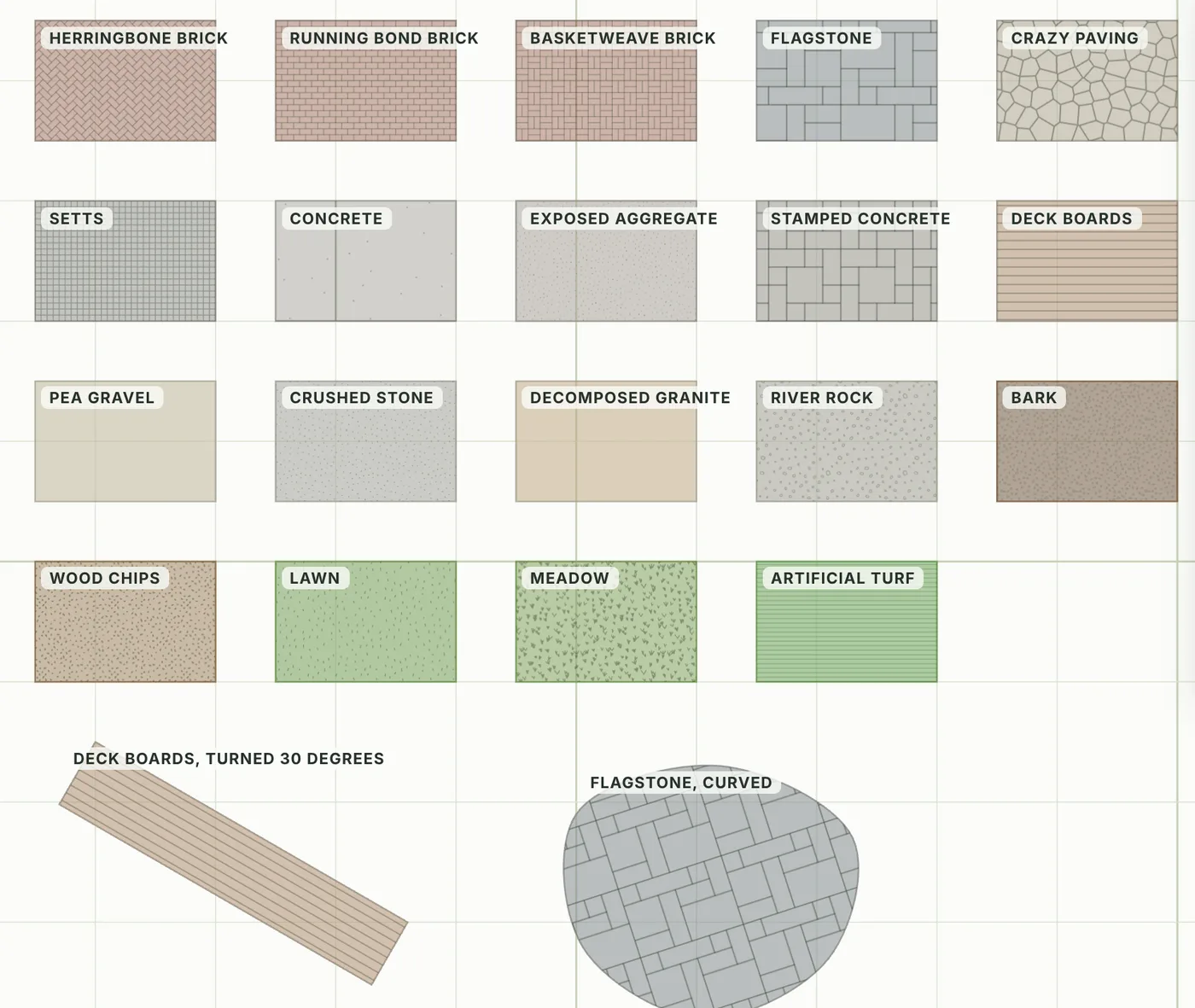
Yes, to a point, and it is worth being exact. A bed can be gravel, pavers, grass or water, and a paver, gravel, mulch or grass bed can wear one of 19 materials drawn at true size, from herringbone brick to flagstone, decomposed granite, bark and lawn. You place a house with a gable, hip, flat or shed roof, a garage, shed, greenhouse, gazebo, pergola, covered patio or deck, fences from picket to iron to a stone wall with gates, clipped or loose hedges, existing trees, ponds with a depth and an edge, raised beds with timber, stone, brick, block or corten walls, and garden furniture, pots and boulders at real size. It is planting-led software, not a construction tool: it does not detail how a deck is built, design irrigation or lighting, or price the hardscape.
Can I import a site survey, a sketch or an existing plan?
Yes, three ways. Trace: lay an image or a PDF's first page under the grid, set its scale from two points you know the distance between (or pick the scale it was drawn at) and draw your real garden over it, no account needed; the tracing is an aid and is never saved or exported. From my yard: find the home on an aerial photo and the garden opens at its real size, facing true north, with the real shape of the ground from a USGS lidar scan (United States only, with a free account). From a design: a photo or sketch of a planting plan is read into beds and plants you then correct, with a free account. There is no DWG, DXF or SketchUp import, by design; the dimension-true SVG is the way out to those programs.
Does it work on a Mac, a PC or an iPad?
Yes, and on a phone: it runs in the browser, so there is nothing to install and nothing to update, and a garden you start on one device is waiting on the next once you sign in. The sheet, the poster and the plant list download as files you can open anywhere.
What plants does it know, and how reliable is the data?
The library holds 2,576 ornamental plants: perennials, annuals, shrubs, roses, bulbs, trees, climbers, conifers, grasses, ferns and culinary herbs, each with bloom months, mature height and spread, sun and water needs and USDA hardiness zones, plus 147 vegetables and 59 fruit with planting and harvest dates on their own shelves. The facts are checked in the open against the published botanical authorities, plant by plant, and you can see exactly how far that has got on the verified plants page. Every plant also carries its native range by US state and Canadian province, read from Kew and USDA PLANTS, and what named authorities list for dogs and cats. You can add your own plants too, up to 100 per account, free.
Is there a student price?
There is no separate student price, and most student work does not need one: every drawing tool, the 3D, the exports and the whole library are free, and a free account saves the work. Premium is $24.99 a month with no contract, so a semester project can run on a month or two and cancel from the plan card. If you teach with it, tell us on the support page.
What does Pro add over Premium, and do I need it?
Premium ($24.99 a month or $124.99 a year) lifts the plant limit, identifies every plant in the Bloom Calendar and shows every companion match with its reason; it is what most designers run on. Pro ($29.99 a month or $179.99 a year) includes Premium whole and adds the client-facing paperwork: client links signed with your studio's name, the Clients tab, and the plant list you hand over, printed or as a CSV. If you design for other people, Pro saves you retyping the schedule; if you design for yourself, Premium is enough. Both cancel anytime from your plan card and you keep the time you paid for.
Can it export to AutoCAD, or open a DWG?
It does not import DWG, DXF or SketchUp files, by design: the way a drawing comes in is tracing or a photo. It does export out: the dimension-true sheet is an SVG in physical millimeters at a stated scale, which a CAD program imports at its true printed size, and the poster is an SVG or PNG. The plant list is a CSV.
Does it work outside the United States?
The planner runs anywhere, in feet or meters, and a garden below the equator shows its calendar in Southern Hemisphere seasons. Hardiness is stated in USDA zones, the bloom months are typical for a temperate garden, and two features are regional: the native plant lists cover US states and Canadian provinces, and the From my yard import, which reads USGS lidar, works in the United States only. Everywhere else you draw the yard yourself or trace a plan of it.

 January
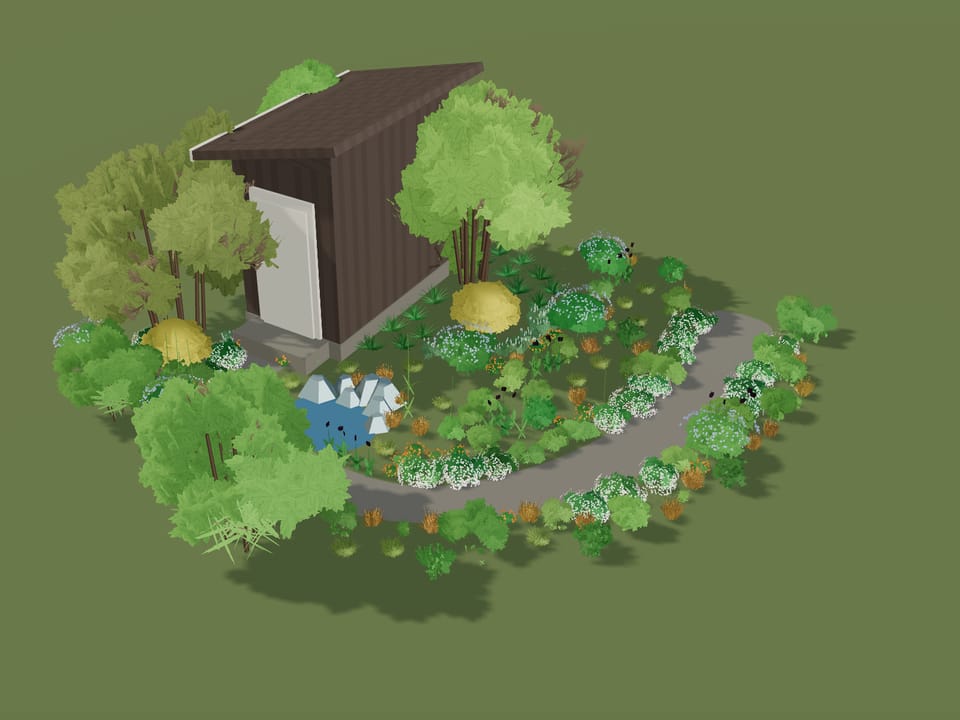 April
April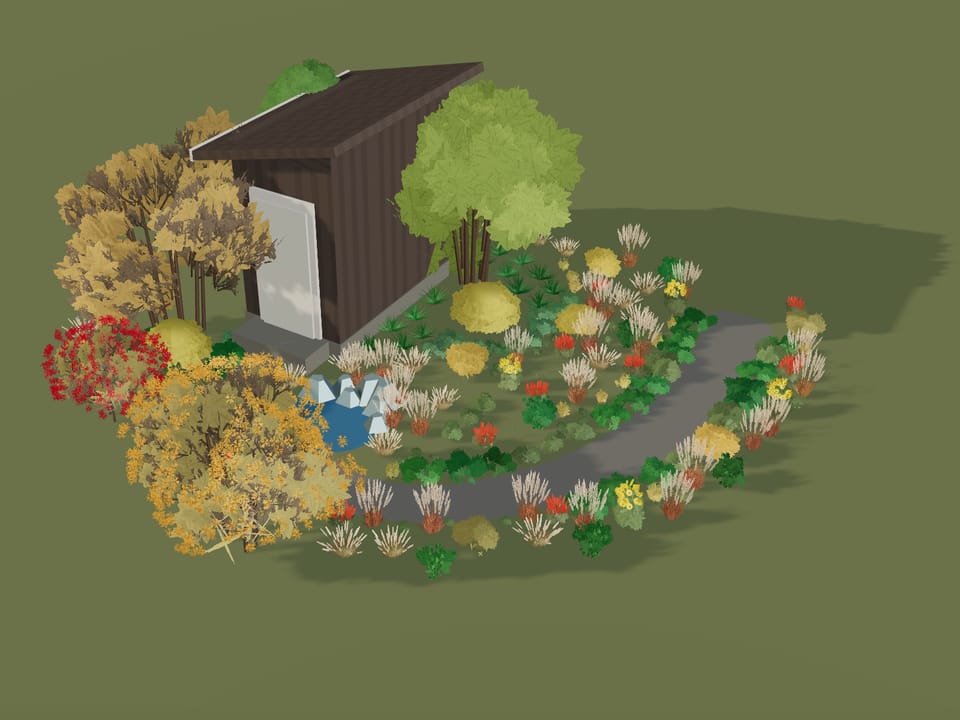 October